Updated for the new SurveyStance app: this setting is now in app.surveystance.com under Survey Kiosk > Device > Device Settings (click Device Settings next to your device). See Device Settings: Customize Your iPad Kiosk.
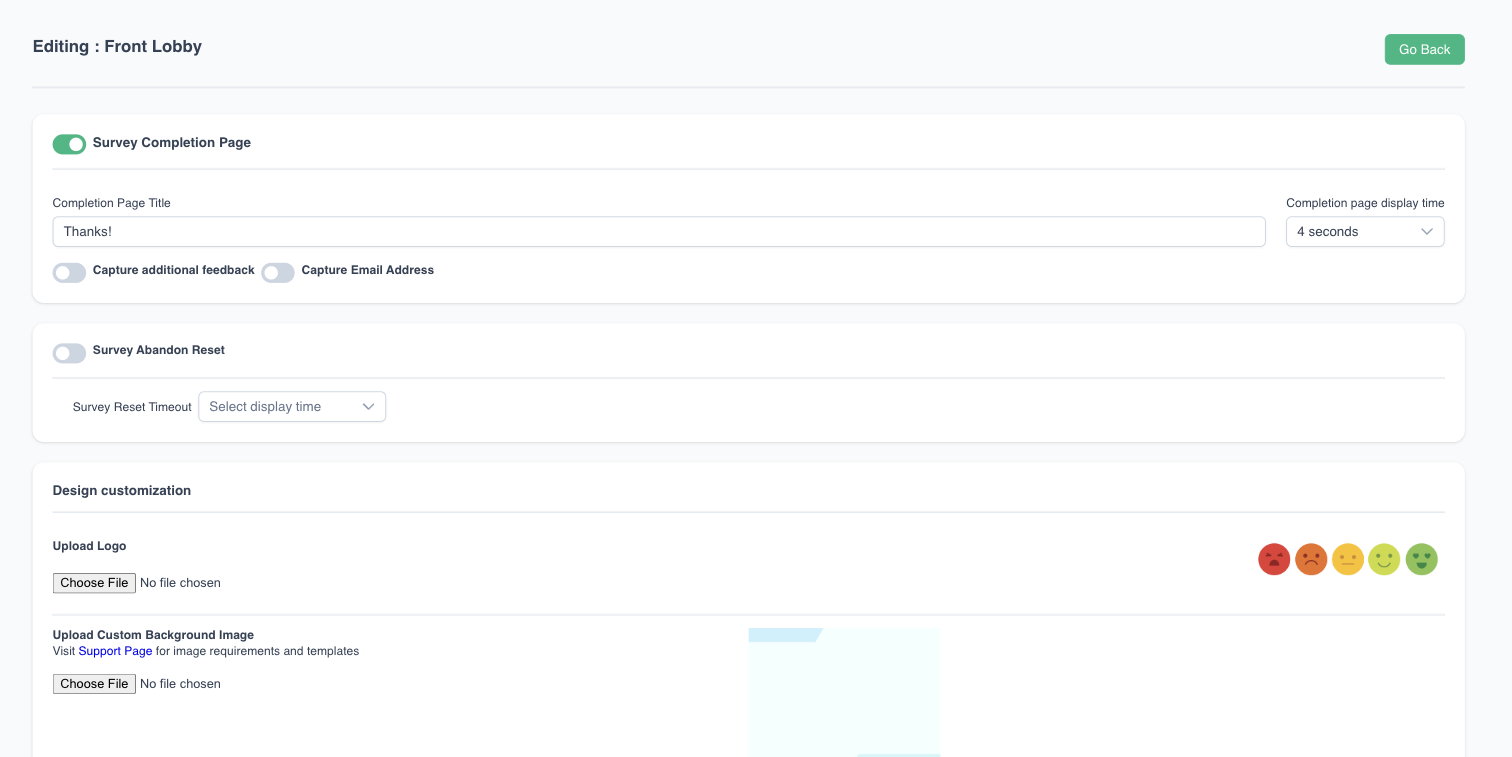
Survey Abandon Reset is used to automatically reset the Survey back to the first Question if there has been no activity after a specified number of seconds. If Survey is reset back to the first question all data captured before that will still be stored and will not be lost.
To edit this setting: log in at app.surveystance.com, go to Survey Kiosk > Device and click Device Settings next to your device.