SurveyStance includes AI tools that help you understand your feedback faster and write better questions.
AI Highlights: summarize your feedback
- Go to Survey Kiosk > Rates > Question Rates.
- Filter by device, survey, questions and date range.
- Click Summarize Feedback. You'll get a friendly summary of the rates shown below it.
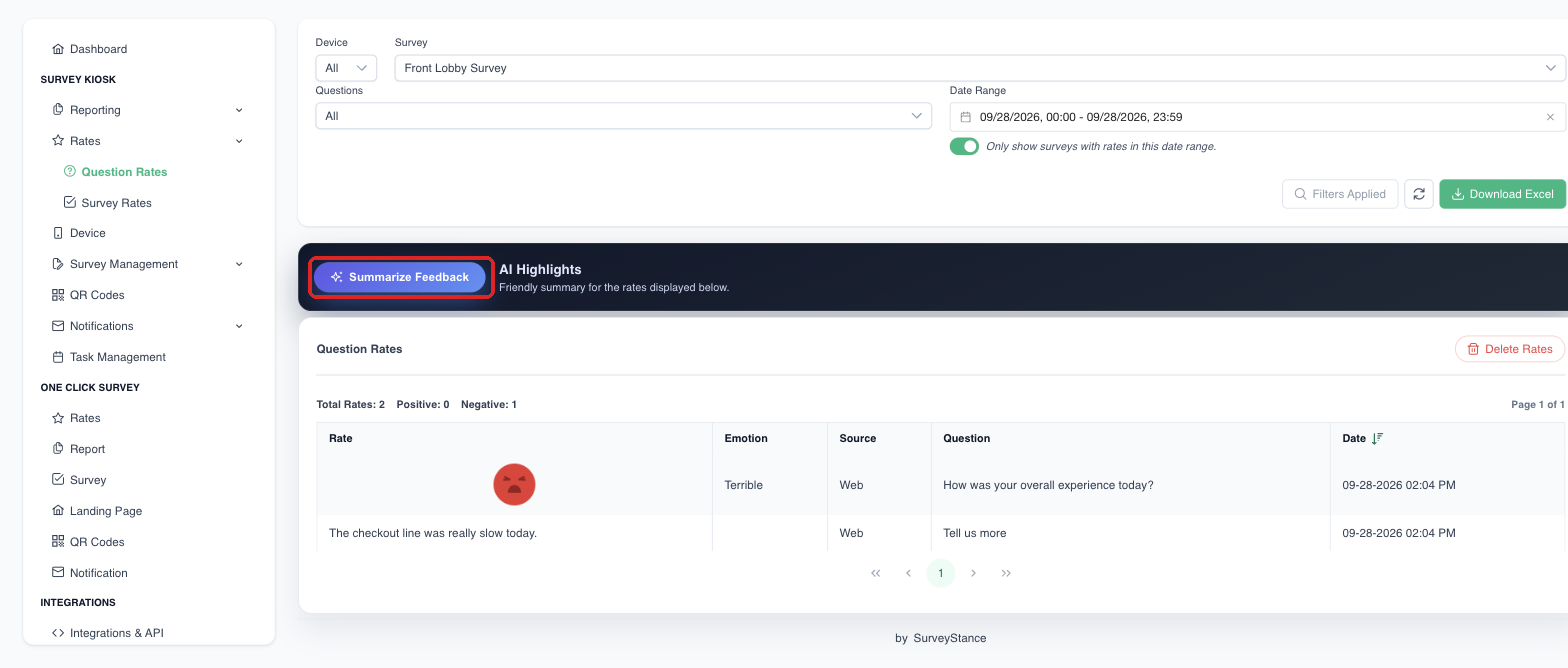
Click Summarize Feedback to get an AI summary of the rates shown below it.
AI Question Review: improve your questions
- Go to Survey Kiosk > Survey Management > Questions and select a survey.
- Click Review Questions to get AI feedback on the clarity, tone and effectiveness of your survey questions.